


Most people don't need a better grammar checker. They need a tool that fits how they actually write, so I tested 14 Grammarly alternatives to find out which ones do.
Why look for Grammarly alternatives?
Grammarly is still a solid tool for catching grammar mistakes, spelling errors, and awkward phrasing fast. It works well when your draft is already written, and you mainly want cleanup. But for a lot of writers, cleanup is not the hard part.
Here's where Grammarly stops being enough:
- Drafting is the first big gap. Grammarly is strongest after the words are already on the page. If you are trying to turn rough notes, half-formed ideas, or a blank page into usable copy, it does not do much to help you build momentum.
- Rewriting is another reason people switch. Grammarly can polish a sentence, but it is less useful when the sentence needs a full rebuild. If your writing sounds flat, stiff, fuzzy, or off-tone, you may need a tool that helps reshape the idea instead of just correcting the wording.
- Long-form work usually needs deeper feedback. Once you are writing articles, reports, or other longer drafts, grammar is only part of the job. Repetition, pacing, flow, and sentence variety matter more, and some alternatives are better built for that kind of editing.
- Workflow fit matters more than most comparison posts admit. The best tool depends on where you write and what slows you down. If you spend your day writing across browser tabs, docs, and web apps, you need something that supports the flow of writing, not just the cleanup step at the end.
- Language support can also be the dealbreaker. Grammarly may be enough if you only write in English and only need the basics. If you write across multiple languages or regional English variants, other tools give you more flexibility.
TL;DR: Which Grammarly alternative should you choose?
Choose HyperWrite if drafting, rewriting, and writing across multiple browser tabs is where your workflow breaks down.
Choose ProWritingAid if your draft is done and you need deep feedback on repetition, pacing, and structure.
Choose LanguageTool if you write in multiple languages or regional English variants.
Choose Hemingway Editor if you just need to cut wordiness and tighten readability fast.
Choose QuillBot if you need quick sentence-level paraphrasing in your browser or Word.
Choose Sapling AI if most of your writing happens in email or customer-facing platforms.
Choose Microsoft Editor if you live inside Microsoft 365 and don't want to switch tools.
Stick with Grammarly if quick grammar cleanup is genuinely all you need.
How I tested these Grammarly alternatives
I didn’t rank these tools by who had the longest feature list. I looked at how they hold up in real writing. That meant testing them on the jobs people actually use Grammarly for, like fixing awkward sentences, cleaning up finished drafts, rewriting stiff copy, and getting through writing work faster without breaking flow.
Here’s what I looked at:
- Drafting help: Could the tool help when the page was still blank, or did it only step in after the sentence already existed?
- Rewrite quality: Could it rephrase a line without flattening the meaning or making everything sound like AI?
- Editing depth: Did it only catch grammar issues, or could it also spot repetition, pacing problems, tone slips, and weak structure?
- Workflow fit: Did it work where people actually write, like Gmail, Google Docs, Word, browser tabs, and web apps, or did it force me into a separate editor?
- Voice and control: Did the suggestions still sound like something I’d actually say, or did the tool keep pushing everything toward the same safe default?
- Pricing and limits: Was the free plan useful, and did the paid version feel worth it for the kind of writing the tool is built to handle?
The 14 best Grammarly alternatives worth using
Here's what I found after testing each Grammarly alternative across real writing workflows.
1. HyperWrite: Best Grammarly alternative for drafting and rewriting
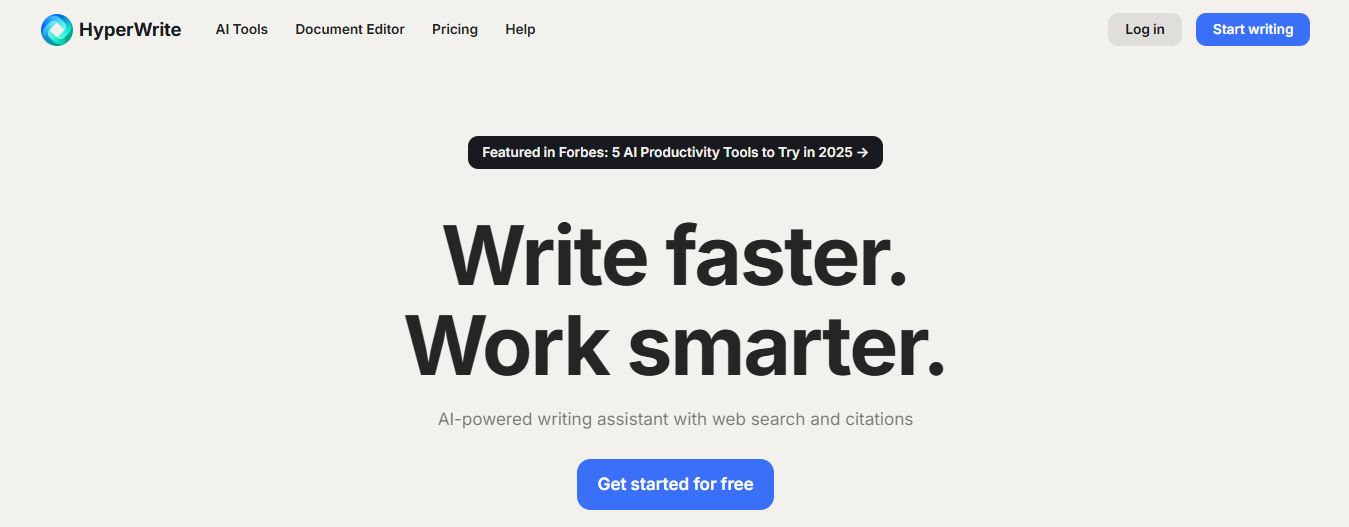
HyperWrite is built for the parts of writing that actually slow most people down: getting started, rewriting rough drafts, and keeping momentum.
The TypeAhead Chrome extension reads context from your open browser tabs and delivers real-time suggestions that sound like you. It works across Gmail, Google Docs, Notion, and anywhere else you write on the web.
For longer work, the AI Document Editor gives you one place to draft, edit, brainstorm, and polish a piece. If you want to talk through an idea, rewrite a rough copy, or build a first draft faster, AI Writing Assistant adds a more flexible chat-based workflow.
Key features
- TypeAhead: Real-time, in-line suggestions in Chrome while you write across different tabs.
- AI Document Editor: A workspace for drafting, editing, brainstorming, and refining longer documents.
- AI Writing Assistant: Helps with a wide range of writing tasks, including brainstorming, drafting, rewriting, and polishing rough copy.
- Personas: Train the AI on your writing style so every suggestion sounds like you wrote it, not a generic AI.
Pros
✅ Helps you draft faster across browser tabs, useful when you’re writing in Gmail, Google Docs, Notion, and other web apps.
✅ Supports brainstorming, editing, and building full drafts inside the AI Document Editor.
✅ Adapts closely to your voice through Personas, which helps the output feel less generic.
✅ Enough pre-built AI writing tools to handle most writing tasks without reaching for anything else.
Cons
❌ Not the right fit if all you need is a quick grammar or spell check.
❌ Requires some setup time to get Personas and TypeAhead working to their full potential.
Pricing
- Free plan available
- Premium at $19.99/month ($16/month billed annually)
- Ultra at $44.99/month ($29/month billed annually
2. ProWritingAid: Great Grammarly alternative for long-form writing
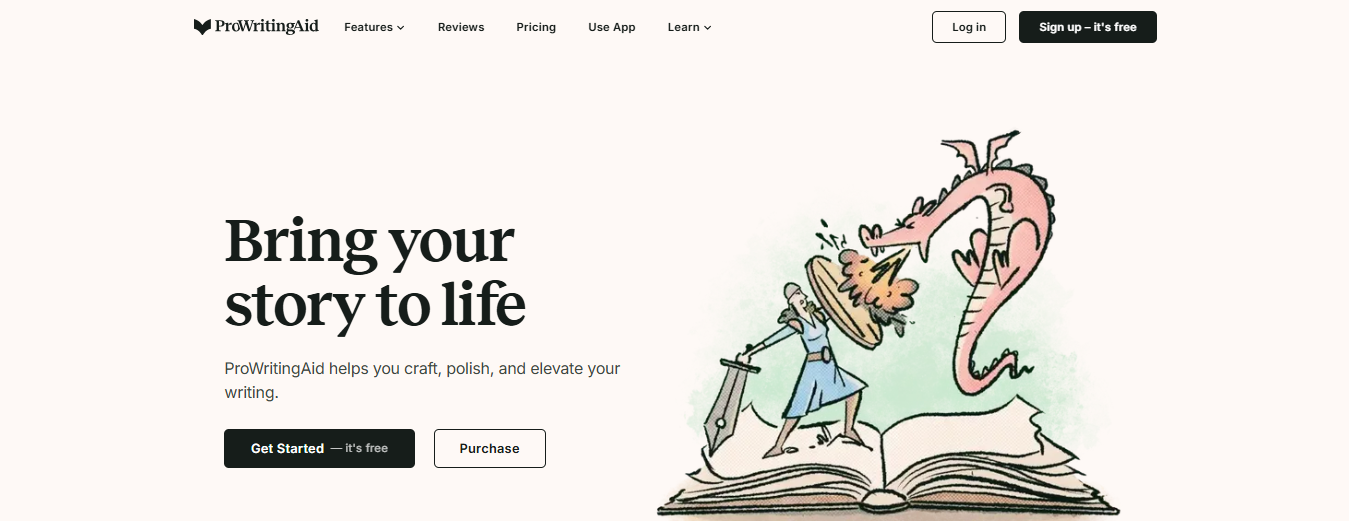
ProWritingAid works best on long drafts that need more than a quick cleanup. Instead of stopping at grammar and spelling, it gives you 25+ writing reports that flag things like overused words, repeats, sentence variety, readability, pacing, and flow.
Its Rephrase tool also helps you rework clunky lines in different ways, so it’s useful when a draft is technically correct but still sounds flat. If you write articles, essays, or chapters, ProWritingAid gives you more editing depth than a basic proofreader.
Key features
- 25+ Writing Reports: Goes beyond surface edits with reports for overused words, echoes, sentence structure, sentence length, transitions, readability, sticky sentences, dialogue, and pacing.
- Rephrase: Gives you multiple ways to rewrite a sentence, including making it more formal, more fluent, shorter, or longer.
- Custom Rules: Lets you add your own dictionary terms and style rules, which helps if you want consistency across longer projects.
- Cross-App Integrations: Works inside Word, Google Docs, Scrivener, Chrome, Edge, Firefox, and other writing environments, so you don’t have to move drafts into a separate editor.
Pros
✅ You get a clear picture of your whole draft's weaknesses, including but patterns like overused words, pacing issues, and sentence variety across the entire piece.
✅ Awkward sentences that would normally slow you down for minutes get fixed in seconds.
✅ It works inside the tools you already use, so there's no copying and pasting drafts into a separate editor.
Cons
❌ The free plan caps documents at 500 words, which may not be enough for any serious long-form work.
❌ Chapter Critique and other deeper feedback tools sit behind paid tiers.
Pricing
- Free plan available
- Premium at $30/month or $120/year
- Premium Pro at $36/month or $144/year
3. Writefull: Grammarly alternative for academic writing
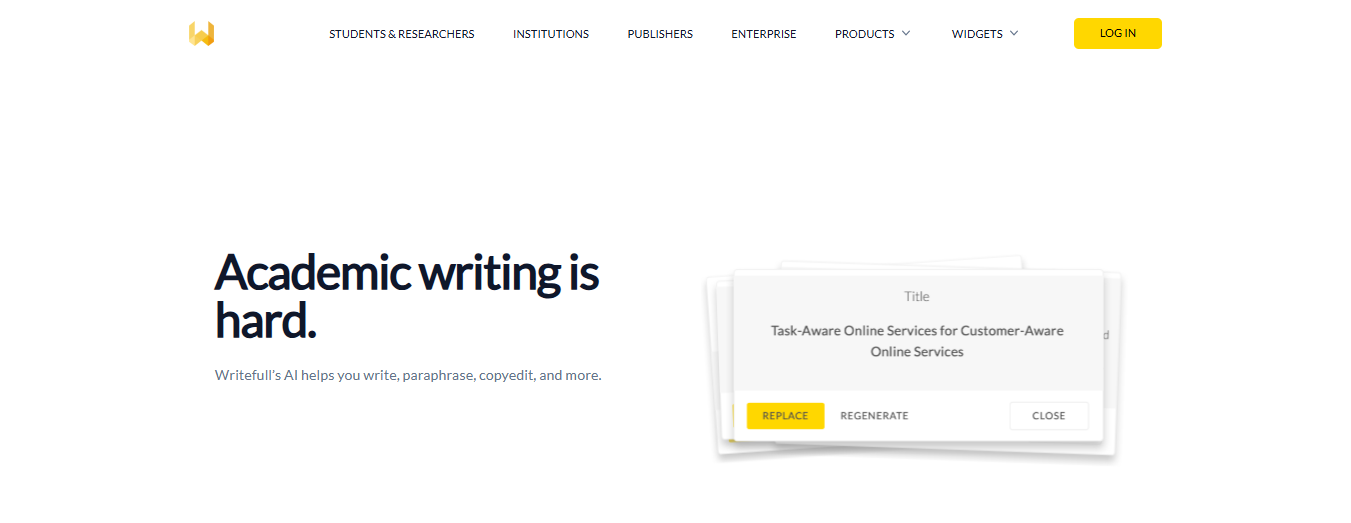
Writefull is the most specialized tool that’s built specifically for academic writing, not everyday business copy. Everything works directly inside Microsoft Word and Overleaf, with features designed for papers, theses, and formal research documents.
If a fast spell check is all you need, this isn't the right fit.
Key features
- Writefull for Overleaf: Gives you language feedback and writing tools directly inside Overleaf for LaTeX-heavy workflows.
- Writefull for Word: Brings Writefull’s academic language support into Microsoft Word.
- Academizer: Rewrites informal sentences to sound more academic without changing the meaning.
- Paraphraser and Abstract Generator: Helps reword academic text and generate abstracts for research-heavy documents.
Pros
✅ You get language feedback that understands academic conventions.
✅ It works inside Word and Overleaf, so there's no copying drafts into a separate tool mid-workflow.
✅ Academizer saves you the back-and-forth of manually reworking informal sentences into academic register.
Cons
❌ Individual pricing is steep compared to general grammar tools.
❌ Many of the best features require institutional access, which makes it less accessible for independent researchers or students.
Pricing
- Free plan available
- Premium at $21/month or $150/year
- Group plan starts at $285/year
- Institution pricing handled separately
4. Trinka: Grammarly alternative for technical writing
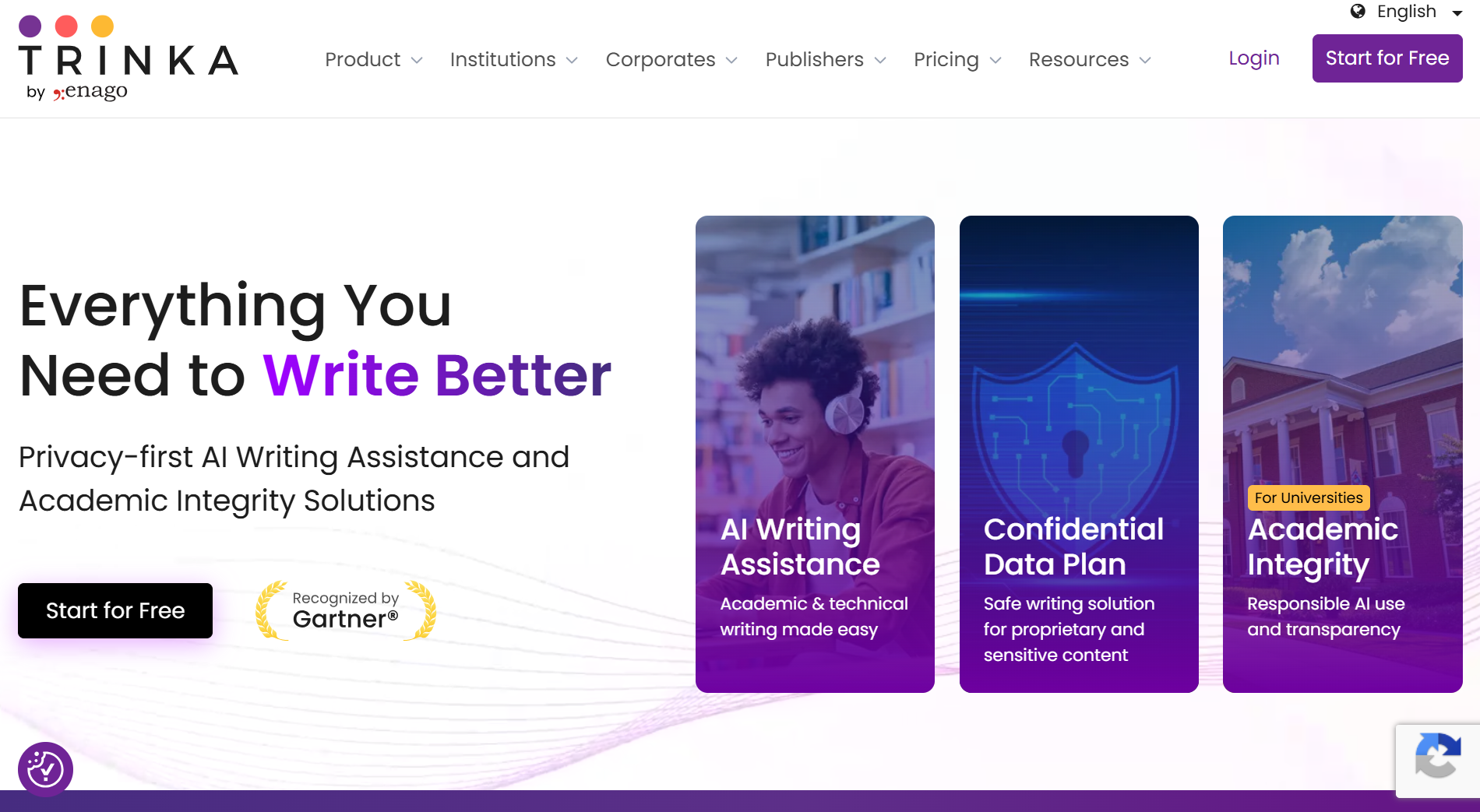
Trinka is a better Grammarly alternative for academic and technical writing than everyday copy. It’s built for formal documents, with tools like Technical Checks, Citation Quality Check, and Consistency Check that go beyond basic grammar cleanup.
If you write research papers, formal reports, or technical documents, it gives you more specialized support than a general writing assistant.
Key features
- Technical Checks: Reviews manuscripts against 25+ checkpoints to help make them submission-ready.
- Citation Quality Check: Flags retracted, hallucinated, and unverified citations that could weaken a paper.
- Consistency Check: Fixes inconsistencies in UK/US spelling, hyphenation, numbers, and symbols across a file.
- Proofread File: Proofreads full Word and LaTeX files while keeping formatting intact.
Pros
✅ Catches the kind of citation errors (retracted sources, unverified references) that can get a paper rejected before a reviewer even reads it.
✅ Spelling conflicts, hyphenation inconsistencies, and number formatting get cleaned up across the whole document automatically.
✅ Fits straight into the tools you already write in, so there's no learning curve or workflow disruption.
Cons
❌ Less natural for everyday copy, since the tool is built around formal academic and technical writing.
❌ Some advanced checks depend on credits and usage limits, even on lower tiers.
Pricing
- Free Basic plan
- Premium at $20/month or $80/year
- Premium Plus at $125/year
- Confidential Data plan at $500/year
5. LanguageTool: One of the best Grammarly alternatives for multilingual writers
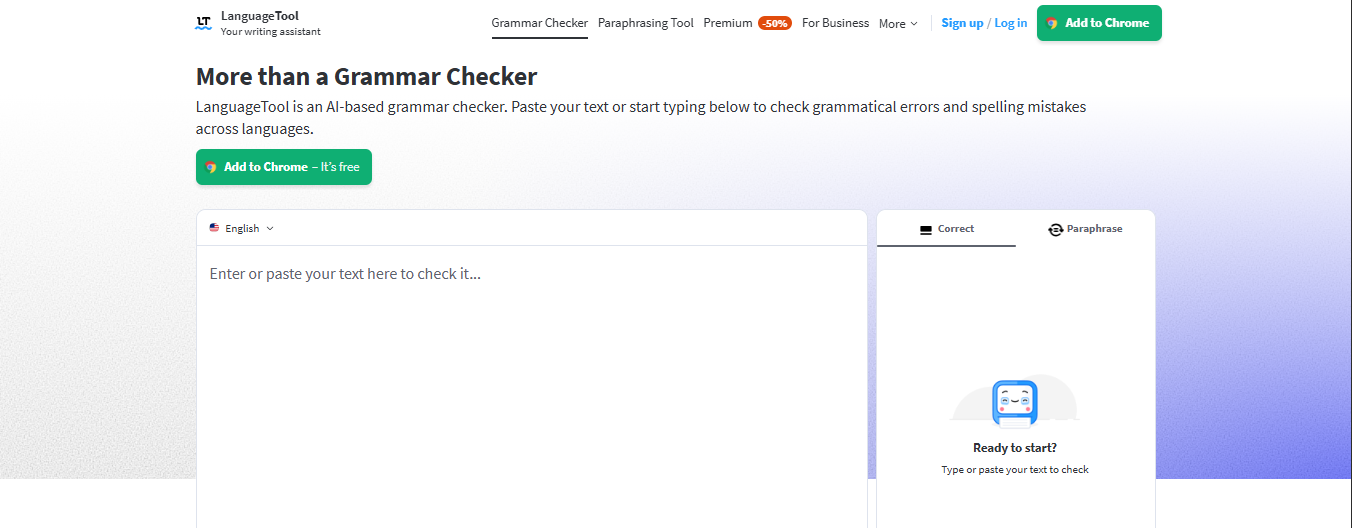
LanguageTool is my strongest pick if you write in more than one language. It supports 30+ languages and dialects, works across browsers and desktop apps, and goes further than basic grammar flags with features like Paraphrasing and Picky Mode.
If you mostly write short English-only copy, you may not need that extra depth this tool provides.
Key features
- 30+ languages and dialects: Designed for multilingual writing, with support for multiple English variants as well as major languages like Spanish, German, French, Dutch, and Portuguese.
- AI Paraphrasing Tool: Rewrites sentences to be more formal, more fluent, or shorter, which makes it more useful than a basic grammar checker.
- Picky Mode and style suggestions: Goes beyond typo fixes with extra style feedback for clearer, more polished writing.
- Cross-platform support: Works through browser add-ons, desktop apps, and common writing environments like Google Docs and Microsoft Word.
Pros
✅ Switching between languages mid-week doesn't slow you down; everything works in one place.
✅ You learn why a change is suggested, not just what to fix.
✅ Style issues that most grammar checkers miss get flagged before your writing goes out.
✅ You can fix grammar and reshape tone in the same workflow without opening another tool.
Cons
❌ The free plan focuses mainly on grammar and spelling; style and clarity suggestions are largely gated behind Premium.
❌ The in-depth analysis is less useful for short-form content.
Pricing
- Free plan available.
- Premium at $24.90/month or $5.83/month billed annually
6. Hemingway Editor: Grammarly alternative for clearer writing
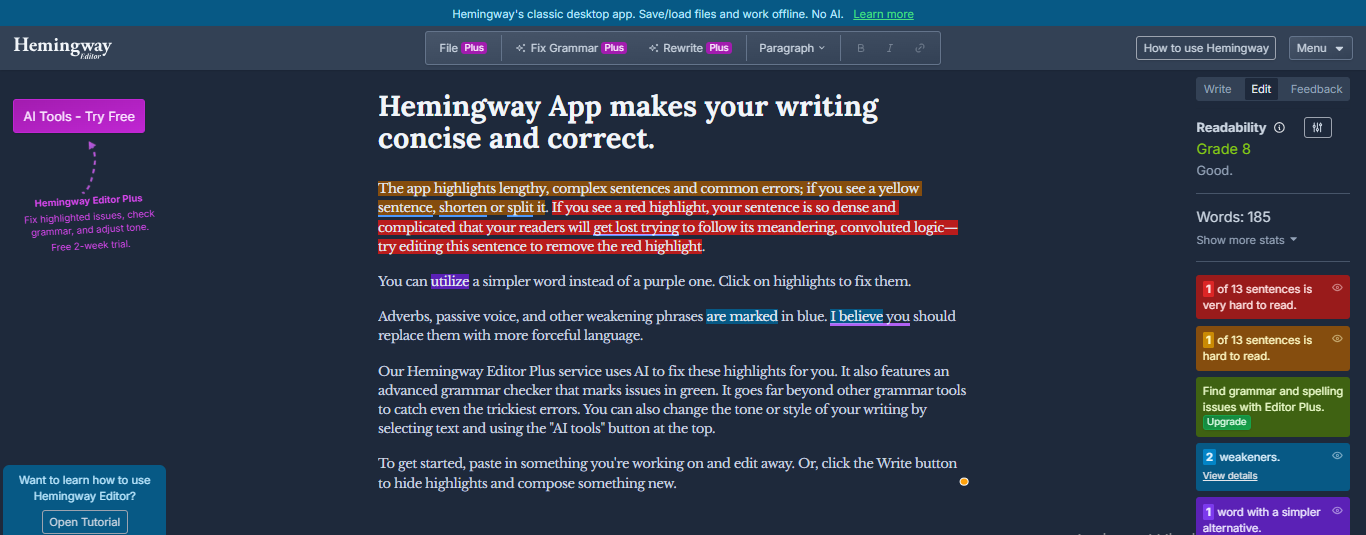
Hemingway Editor does one thing better than anything else I tested: it shows you exactly where your writing is too dense to read. It's not built for deep proofreading. It's the tool you reach for after the draft is done and you want to tighten it up fast.
The free version flags hard-to-read sentences, passive voice, adverbs, and weaker word choices. If you need AI rewrites and a full grammar checker on top of that, Editor Plus adds both.
Key features
- Readability grade and document stats: Shows your writing’s grade level so you can quickly tell how easy it is to read.
- Color-coded style highlights: Flags long or dense sentences, passive voice, adverbs, and weaker word choices.
- Hemingway Editor Plus: Adds AI sentence fixes, an advanced grammar checker, and tone/style changes for selected text.
- Desktop app: Lets you work offline, save and load files, and publish to blogs from the desktop version.
Pros
✅ Dense, hard-to-read sentences get flagged instantly.
✅ Editing becomes faster because the color-coding tells you the problem in each sentence before you even read it.
✅ The free version handles readability feedback well enough that you may never need to upgrade.
Cons
❌ No grammar checker in the free version; you'll need Editor Plus if you want anything beyond readability feedback.
❌ No browser extension, which means copying and pasting drafts from wherever you write.
Pricing
- Free web version available.
- Individual 5K Plan at $10/month or $100/year
- Individual 10K Plan at $15/month or $150/year
- Team 10K Plan at $15/user/month or $150/user/year
7. QuillBot: Grammarly alternative for paraphrasing and rewrites
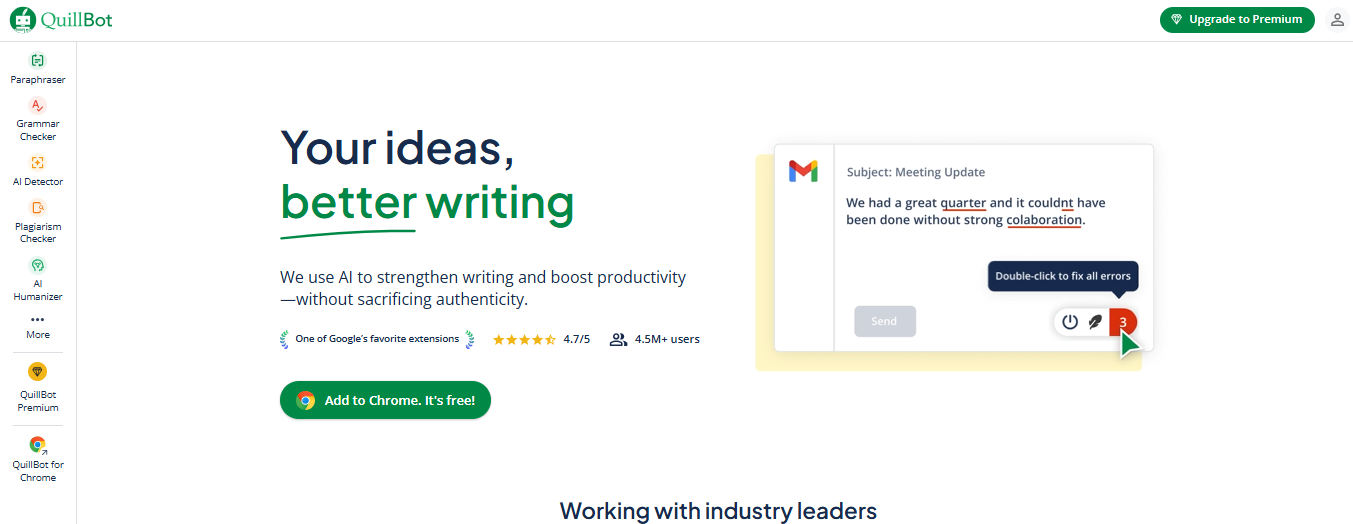
QuillBot does one thing exceptionally well. If your sentence already says the right thing but sounds stiff, flat, or awkward, the Paraphraser gives you multiple ways to fix it fast, whether you're working in your browser or straight inside Word.
It's not built for deep draft review or long-form editing. But for quick sentence and paragraph-level rewrites, with a Synonym Slider that keeps the output sounding like you, nothing on this list comes close.
📖Related reading: Best Quillbot Alternatives
Key features
- Paraphraser with multiple modes: Includes modes like Standard, Fluency, Formal, Academic, Shorten, and Expand for different rewrite goals.
- Synonym Slider: Lets you control how conservative or aggressive the rewrite should be.
- Word and browser support: Works through a Word add-in plus browser extensions for Chrome, Edge, and Safari.
- Built-in grammar support: Adds grammar, spelling, punctuation, tone, and fluency help alongside paraphrasing.
Pros
✅ Fixing an awkward sentence takes seconds instead of derailing your whole editing flow.
✅ You stay in whatever you're writing in, no copying and pasting into a separate tool.
✅ Rewrites stay close enough to your original that the output still sounds like you wrote it.
Cons
❌ The free plan limits you to a set number of paraphrases per day.
❌ The most useful rewrite modes, Formal, Academic, Shorten, and Expand, are all locked behind Premium.
Pricing
- Free plan available
- Premium at $19.95/month or $99.95/year
8. Linguix: Grammarly Alternative for teams and brand voice
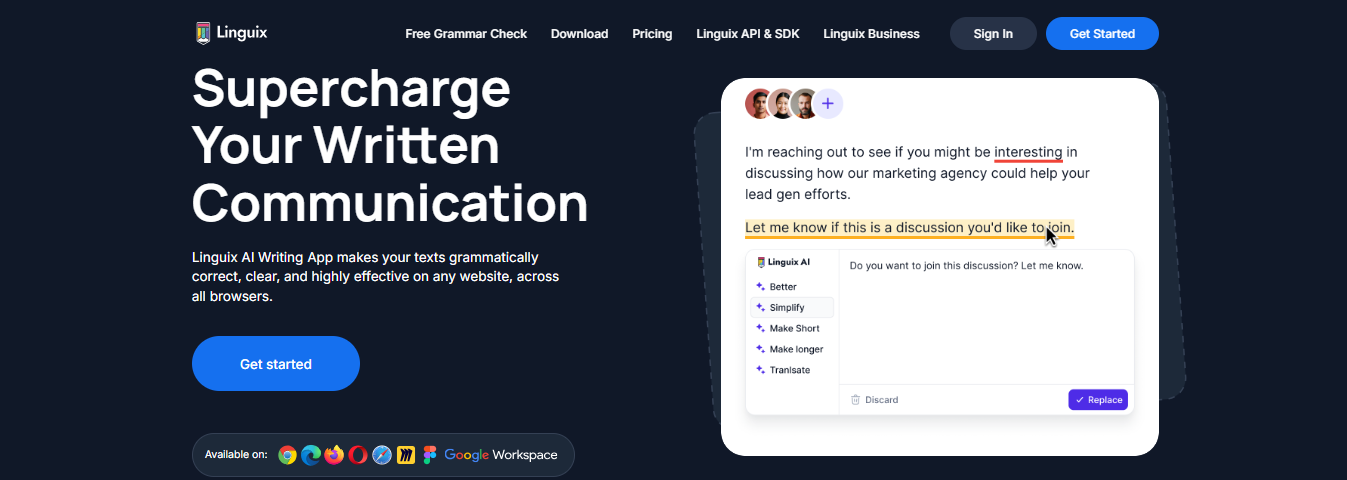
Linguix is a great Grammarly alternative for teams that want consistent writing across sales, support, and marketing.
Its main strength is not basic grammar help. It’s the combination of Style Guides, Shortcuts, and Content Quality Score, which helps teams keep messaging on-brand and speed up repeat writing across the web.
Key features
- Style Guides: Create custom writing rules for the whole team so brand voice stays consistent.
- Shortcuts: Save templates and expand them with commands like //intro on websites you already use.
- Content Quality Score: Scores text based on things like sentence length, vocabulary complexity, and passive voice.
- Team dashboard and insights: Add member management and shared writing controls via team plans.
Pros
✅ Everyone on the team writes on-brand without needing to check a separate style document every time.
✅ Repeat messages and templates get written in seconds instead of being retyped from scratch across different platforms.
✅ You get a clear, objective signal on whether a piece of writing is ready to go out, not just whether it's grammatically correct.
Cons
❌ Shortcuts and Style Guides take some upfront setup time before the team sees real efficiency gains.
❌ Individual Premium is useful, but the most valuable features, such as shared Style Guides and team dashboards, require a Business plan.
Pricing
- Free plan available
- Premium at $30/month or $140/year
- Business plan available on a monthly or annual billing and handled through sales
9. Reverso: Grammarly alternative with translation built in
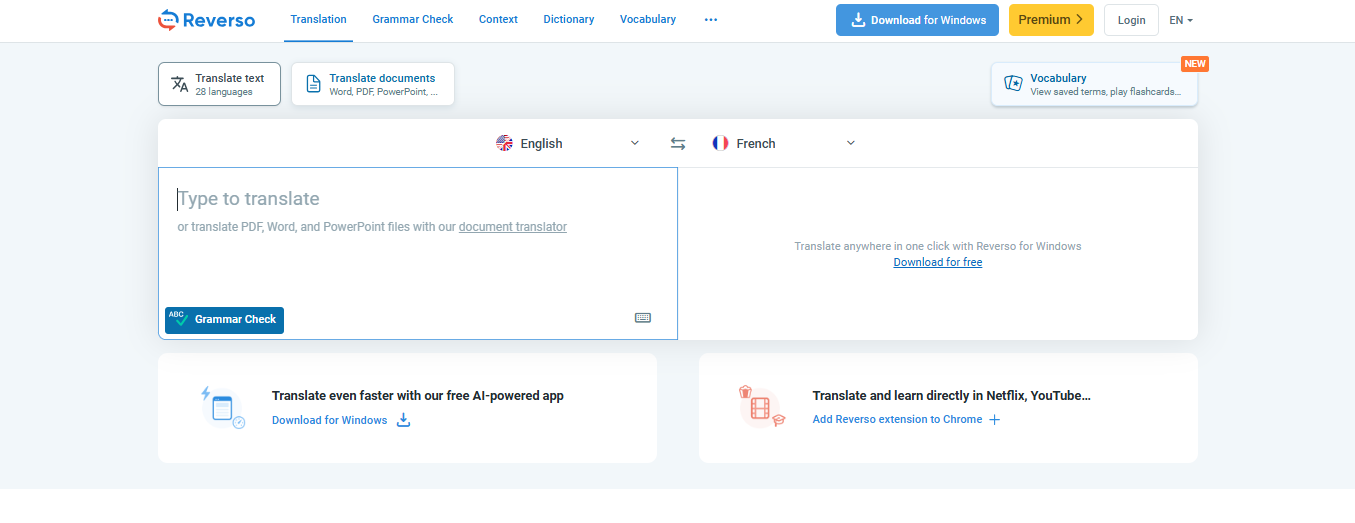
Reverso is the only tool I tested that puts translation front and center alongside grammar help. While every other tool on this list treats writing in one language as the default, Reverso is built for the reality of switching between them.
Grammar checking, AI rephrasing, synonyms, and Translation in Context all live in one place, so you're not jumping between a grammar tool and a separate translation tab every time you need both.
Key features
- Grammar Check + Rephraser: Checks spelling, grammar, punctuation, and style, then adds AI-based rewording help.
- Reverse Context: Shows translations with real usage examples, which is more helpful than a basic one-line translation.
- Synonyms and analogies: Includes a built-in synonym tool for finding alternate wording and style variations.
- Desktop, browser, and Word support: Has a Windows/macOS app for translating and correcting text in any app or web page, a browser extension, and a Microsoft Word add-in on Windows in Premium.
Pros
✅ Switching between languages mid-project doesn't require switching tools.
✅ You see how a phrase is actually used by native speakers.
✅ Contextual translation examples mean you're less likely to choose a phrasing that sounds unnatural to a native speaker.
Cons
❌ The Word add-in is Premium-only on Windows.
❌ Translation quality varies by language pair.
Pricing
- Free tier available
- Premium at $4.99/month or $38.94/year
- Pro at $149.94/year
- Team and API pricing handled through sales
10. Sapling AI: Grammarly alternative for work writing
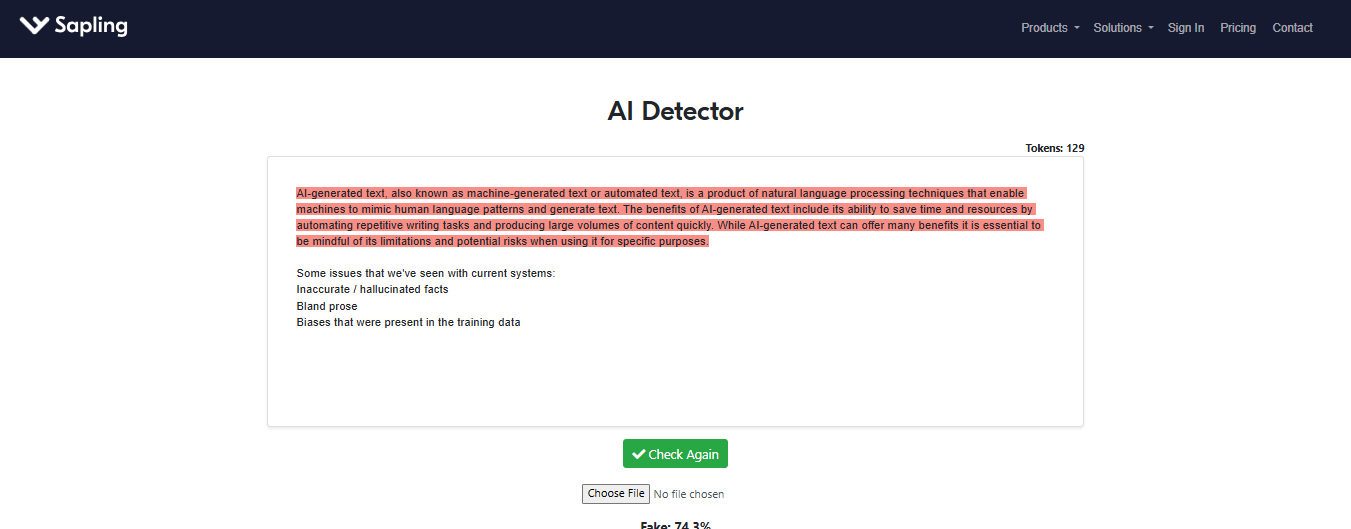
Sapling AI is the tool I'd recommend to anyone who spends most of their day writing in Gmail, Outlook, Slack, or a CRM. It's not trying to be a full writing assistant. It's built specifically to make high-volume, repeat business communication faster and more consistent.
Key features
- Autocomplete Everywhere: Real-time predictive text across web apps, email, messaging, and CRM platforms.
- Snippets: Reusable response templates and text-expansion shortcuts for repeat messages.
- Suggest: One-click response recommendations pulled from a shared response bank and knowledge base.
- Rephrase: Rewrites text to improve tone, wording, and formality in business communication.
Pros
✅ Repeat responses that used to take two minutes get written in seconds.
✅ Tone and wording stay consistent across the whole team.
✅ You spend less time on routine messages and more time on the communications that actually need your full attention.
Cons
❌ Snippets and the shared response bank require Pro or Enterprise.
❌ Browser extension only, so it won't help if your work happens outside the browser.
Pricing
- Free plan available
- Pro plan at $25/month or $12/month billed annually
- Enterprise starts at $15/seat/month for a minimum of 10 seats
11. Virtual Writing Tutor: Grammarly alternative for ESL learners
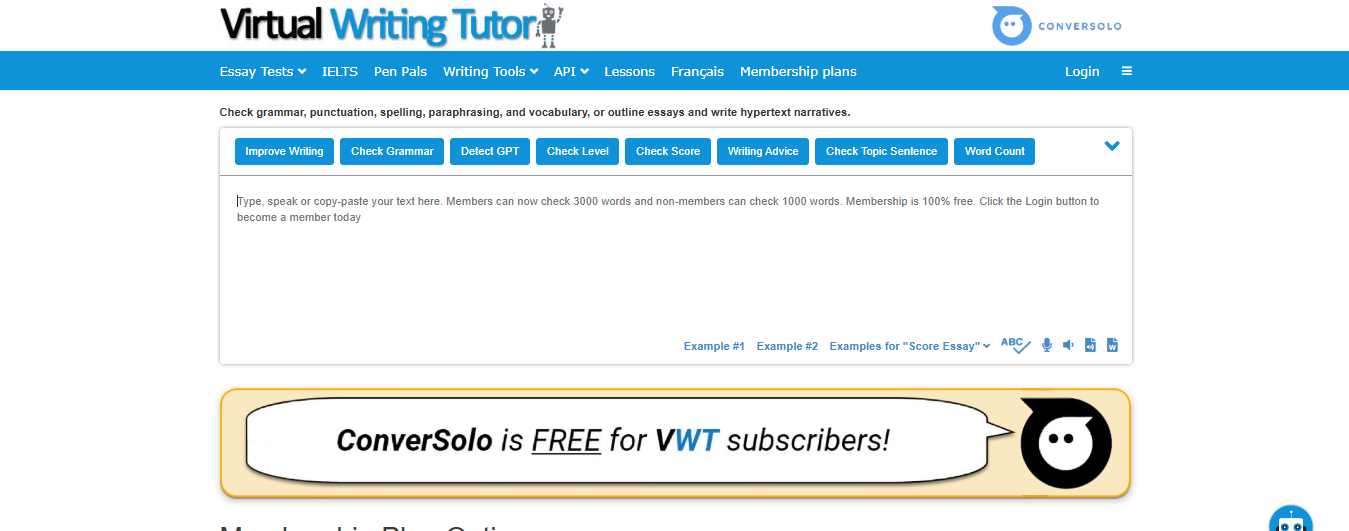
Virtual Writing Tutor is the most niche tool I tried. It's built specifically for ESL learners and the teachers who support them, not for general proofreading. Where most grammar tools just flag errors and move on, this one is designed to help you understand and practice the language.
It checks grammar, spelling, vocabulary, and punctuation, but the more useful features are the ones built around learning: essay scoring, IELTS practice, and pronunciation checks that no other tool on this list offers.
Key features
- Essay Checker: Gives automated essay evaluation with a score, formative feedback, and built-in tools like a vocabulary profiler and commenting system.
- Target Structure Checker: Helps learners practice specific grammar patterns and structures instead of only fixing surface errors.
- IELTS Writing Practice: Includes IELTS writing tasks with automatic band score calculation for Task 1 and Task 2.
- Pronunciation Checker: Adds speech-based pronunciation practice, which most grammar tools do not offer.
Pros
✅ You learn from your mistakes rather than just correcting them.
✅ IELTS practice with automatic band scoring means you can prepare for the exam without paying for a separate tool.
✅ Pronunciation practice is built in, which no other tool on this list offers.
Cons
❌ The interface is noticeably dated.
❌ Error corrections require more manual steps than modern grammar tools.
❌ Built exclusively for ESL learners, so native English speakers won't find much value here.
Pricing
- Free tiers available
- Membership Plan starts at $3/week
- $8/month, $16/three months, or $36/year membership is also available
12. Microsoft Editor: Grammarly alternative for Microsoft 365 users
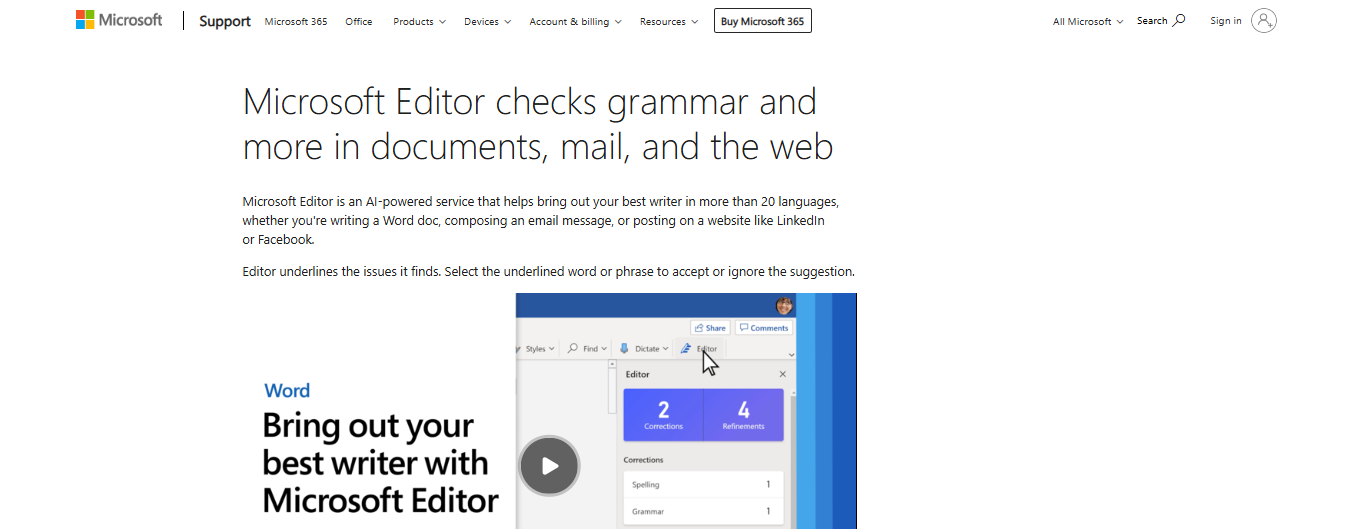
Microsoft Editor is the easiest tool on this list to start using if you already live in Word, Outlook, or Edge, because you probably already have access to it. There's nothing new to install or learn. It checks grammar and spelling out of the box and flags style issues like passive voice, inconsistent pronouns, and odd word choices without any setup.
Key features
- Advanced refinements: Premium suggestions cover clarity, conciseness, formality, and vocabulary, not just spelling and grammar.
- Built into Microsoft Edge: Editor in Edge includes enhanced spellchecking, grammar checking, and text predictions across the web.
- Similarity checker in Word: Checks a document against online sources and shows matched passages so you can review attribution and add citations.
- Microsoft 365 app coverage: Free Editor works across Word, Outlook, PowerPoint, and Excel on the web, with more premium features in Microsoft 365.
Pros
✅ Easy fit for Word, Outlook, and Edge users.
✅ Premium refinements improve clarity, conciseness, and tone.
✅ Similarity checker adds something useful beyond grammar fixes.
Cons
❌ Best features require Microsoft 365.
❌ Outside the Microsoft ecosystem, it offers very little.
Pricing
- Basic Editor features available for free in places like Edge and Word for the web
- Premium Editor features included in Microsoft 365 Personal at $9.99/month or Microsoft 365 Family at $12.99/month
13. Wordtune: Grammarly alternative for rewriting sentences
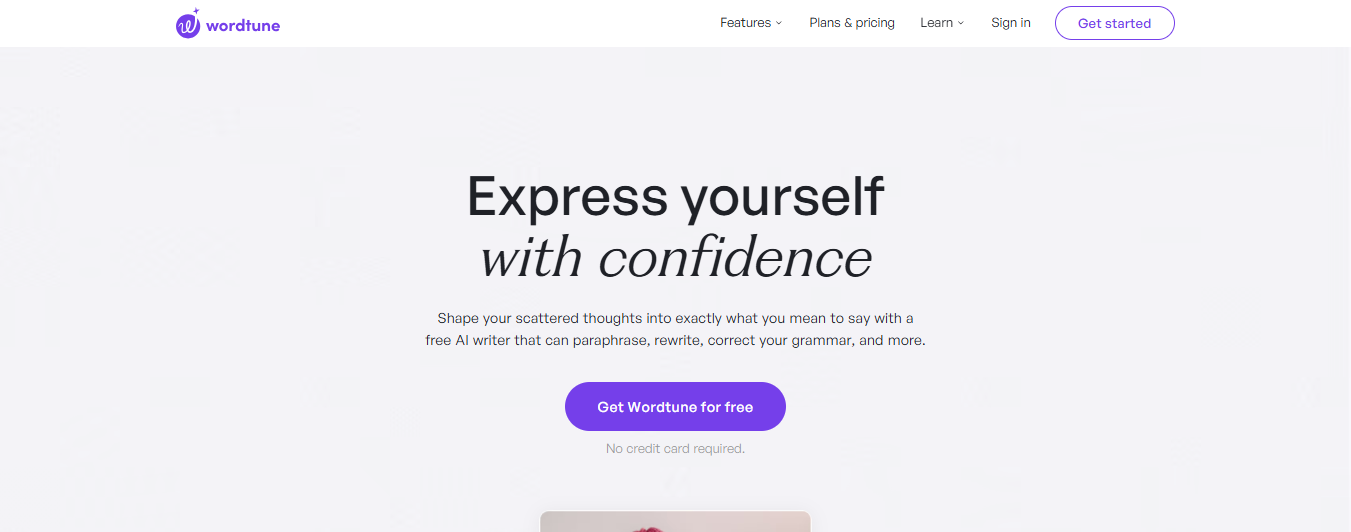
Wordtune is the tool I'd reach for when a sentence is technically fine but just doesn't land right. It's not built for grammar analysis or deep draft review. It's built for the specific frustration of wording that feels flat, stiff, or off-tone, and it fixes that faster than anything else I tested.
Key features
- Sentence and paragraph rewrites: Wordtune can rewrite full sentences and paragraphs, not just swap a few words.
- Tone adjustments: The Editor and Extension both support tone changes, which makes it useful when wording feels too casual, flat, or stiff.
- Contextual Suggestions: You can expand a point, add examples, summarize a thought, or improve clarity from inside the writing flow.
- Smart Synonyms: Highlight a word to get context-aware synonym options instead of generic replacements.
Pros
✅ Strong for sentence and paragraph rewrites.
✅ Helpful for tone changes and awkward phrasing.
✅ Works well in-browser and in longer drafts.
Cons
❌ Less focused on full grammar analysis.
❌ Better for rewrites than full proofing and editing.
❌ Best rewrite results can only be unlocked in paid versions.
Pricing
- Free plan available.
- Advanced plan at $13.99/month or $6.99/month billed annually
- Unlimited at $19.99/month or $9.99/month billed annually
14. Ginger: Grammarly alternative with extra language tools
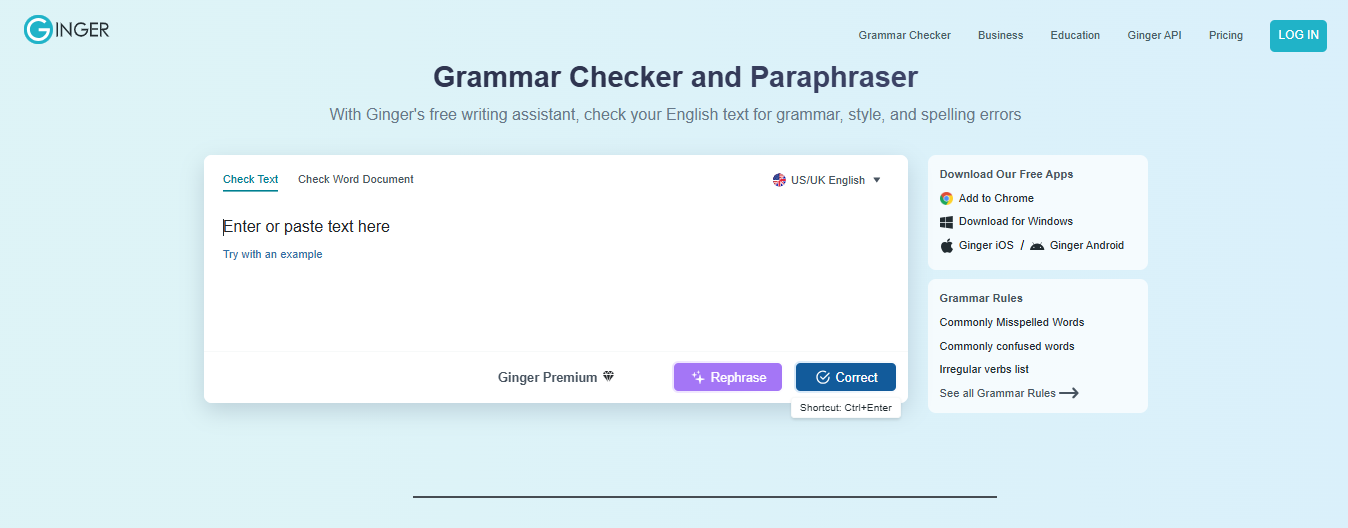
Ginger is the most all-in-one tool at this price point. While most tools do one or two things well, Ginger combines context-based grammar corrections, sentence rephrasing, translation, and a read-aloud feature in one product.
It also looks at full sentences rather than flagging isolated words, which makes a noticeable difference in longer emails and documents where meaning depends on context, not just individual word choices.
Key features
- Context-based sentence correction: Checks full sentences, not just single words, to make more accurate grammar and spelling suggestions.
- Sentence Rephrase: Rewrites sentences to improve flow, clarity, and phrasing. Ginger includes this as a Premium feature.
- Translation: Ginger Premium includes translation support for multilingual writing workflows.
- Text Reader and Personal Trainer: Text Reader reads writing aloud, while Personal Trainer helps users learn from repeated mistakes over time.
- Browser, desktop, and Word support: Browser extensions, desktop support, and a Microsoft Word add-in.
Pros
✅ It catches errors that word-by-word checkers miss.
✅ Hearing your writing out loud flags awkward phrasing faster than reading it on screen.
✅ You gradually stop making the same mistakes rather than just correcting them each time.
Cons
❌ Doesn't work with Google Docs.
❌ Sentence Rephrase and translation are both Premium-only.
Pricing
- Free plan available.
- Premium at $9.90/month or $95.76/year
- Student or Teacher pricing also available
How to evaluate Grammarly alternatives
The best Grammarly alternative is the one that solves the part of writing that actually slows you down.
Here's what to look at when making that call:
- Proofreading vs. drafting: Some tools are mainly built to clean up text that already exists. Others help you get words on the page, reshape rough ideas, and keep moving while you write. If starting and building a draft is the hard part, a grammar checker alone will not solve the real problem.
- Rewrite depth: A lot of tools can fix grammar and smooth out awkward wording. Fewer can help when a sentence needs a full rebuild or when the idea itself still feels fuzzy. Look for a tool that matches how much help you actually need, whether that is light cleanup or deeper rewriting.
- Workflow fit: The best tool is usually the one that fits where you already write. If you spend your day in Word or Outlook, one option may make more sense. If you write across browser tabs, docs, and web apps, you need something that supports that flow instead of adding another step.
- Long-form support: Short emails and long articles are different editing jobs. Longer drafts need more help with repetition, pacing, structure, and flow, not just grammar. If you write blog posts, reports, or other long pieces, make sure the tool can handle that kind of work well.
- Language coverage: If you only write in English, several tools may feel similar at first. If you write in multiple languages or switch between English variants, the differences get much bigger. In that case, language support should be one of your first filters, not an extra feature.
Stop treating every writing tool like it solves the same problem
Most Grammarly alternatives aren't trying to solve the exact same writing problem. Choosing the wrong one usually means picking the tool with the best marketing rather than the one that actually fits how you write.
If your draft is mostly done and you just want cleaner copy, Grammarly can still do that well. But if the real issue is getting started, rewriting rough ideas, and keeping momentum while you work across tabs, HyperWrite is built exactly for that kind of writing process.
Still rewriting the same email three tabs over? HyperWrite reads your open browser context and finishes your sentences in Gmail, Docs, and Notion. Try it free with the Chrome extension.
Frequently asked questions
Are there free Grammarly alternatives?
Yes, there are free Grammarly alternatives. LanguageTool, Hemingway Editor, QuillBot, and Microsoft Editor all offer free ways to improve grammar, clarity, or sentence rewrites.
Which Grammarly alternative is best for academic writing?
The best Grammarly alternative for academic writing is Writefull. Writefull fits formal writing better than most general grammar tools because it supports academic workflows and tools like Overleaf.
Which Grammarly alternative is best for paraphrasing?
The best Grammarly alternative for paraphrasing is QuillBot or HyperWrite. QuillBot works well for quick sentence rewrites, while HyperWrite is better when you need broader paragraph-level rewriting.
Is Microsoft Editor a good Grammarly alternative?
Yes, Microsoft Editor is a good Grammarly alternative for people who already use Microsoft 365. Microsoft Editor checks grammar, spelling, and style suggestions in Word, Outlook, and on the web.
Is LanguageTool better than Grammarly for multilingual writing?
Yes, LanguageTool is often better than Grammarly for multilingual writing because LanguageTool supports over 30 languages. That makes it a stronger choice if you write in more than one language.

HyperWrite is the AI writing assistant that learns your style. It handles drafting, editing, and researching so you can focus on ideas.
- Autocompletes sentences as you type
- Works inside Google Docs & Gmail
- Adapts to your personal writing style
- 500+ AI tools for any writing task

Powerful writing in seconds
Improve your existing writing or create high-quality content in seconds. From catchy headlines to persuasive emails, our tools are tailored to your unique needs.